/transcriptAI Start studying
English

Video transcription

Use transcript ai youtube for searchable video notes

A long YouTube video is difficult to search, quote, or summarize by ear. Start with available captions or a recording you have permission to use, then turn the speech into text you can review.

Check access and review the result
Transcript AI landing visual

Why watching again is not enough

The problem is rarely getting through the video once. It is finding the exact sentence again when you need a citation, a study note, or an editing reference.

Where a YouTube transcript can fall short

Transcript AI helps organize speech, but it cannot recover information that was never audible or make a source reliable by itself.

Some videos have no accessible captions

Captions may be unavailable, disabled, or unsuitable for copying. A video URL alone does not guarantee that its audio can be processed.

Workaround

Use captions when available, or work from a recording you own or are permitted to transcribe.
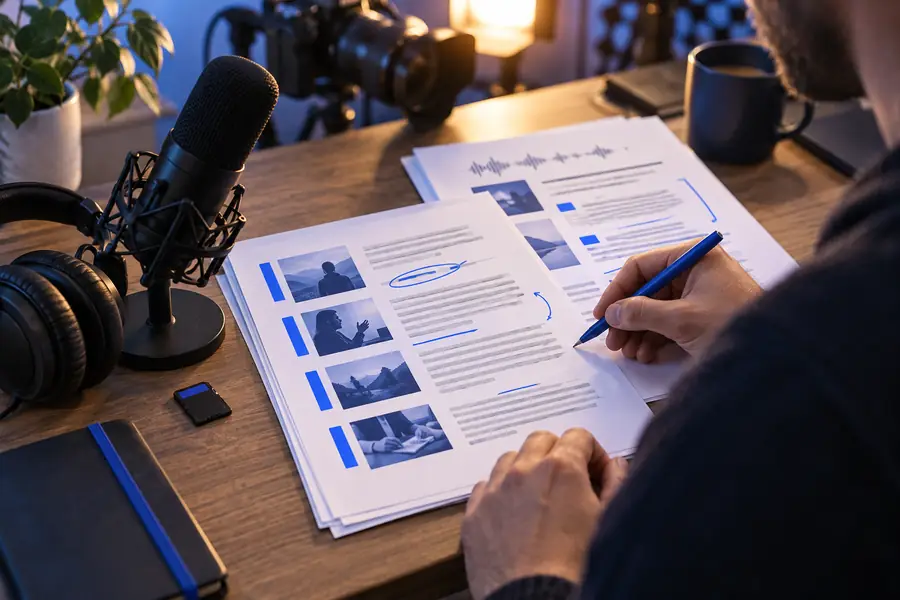
Automatic text can mishear speech

Names, technical terms, overlapping voices, music, and accents may produce convincing-looking mistakes.

Workaround

Replay uncertain passages and compare important quotations with the original audio.

Visual information is not speech

A spoken transcript may omit slides, demonstrations, on-screen labels, and silent actions that carry the point of a tutorial.

Workaround

Add your own visual notes with timestamps wherever the screen supplies essential context.

Three concrete YouTube workflows

Choose the route that matches your source and purpose rather than assuming every video needs the same treatment.

  1. 1

    Start with available captions

    For a captioned talk, obtain the text through the video's available transcript controls. Read it alongside playback, then correct terminology and mark moments where the caption timing drifts.

  2. 2

    Transcribe permitted audio

    For a video you made or have permission to process, supply the supported recording to a transcription tool. Ask for speaker labels or timestamps only if you need them, and verify those details against playback.

  3. 3

    Build notes from verified text

    For research or study, divide the checked transcript into topics, retain useful timestamps, and write a short summary in your own words. Keep the source video nearby so you can confirm any quotation.

Choose the right starting text

YouTube captions and a fresh transcription can both support note-taking. Neither should be treated as an automatically verified record.

Available YouTube captions
Fresh AI transcription

Starting source

Available YouTube captions

Caption text supplied for the video

Fresh AI transcription

Audio from a recording you can process

Availability

Available YouTube captions

Depends on the video's caption settings

Fresh AI transcription

Depends on access to the recording and tool support

Speaker changes

Available YouTube captions

May not identify each speaker

Fresh AI transcription

Can request labels, but must verify them

Timestamps

Available YouTube captions

May follow caption segments

Fresh AI transcription

May be generated at requested intervals

Specialized vocabulary

Available YouTube captions

May contain recognition errors

Fresh AI transcription

May contain different recognition errors

Visual context

Available YouTube captions

Not captured unless spoken

Fresh AI transcription

Not captured from audio alone

Best first use

Available YouTube captions

Quick reference when captions exist

Fresh AI transcription

Editable text from permitted audio

Example output: from playback to notes

A useful result is more than a wall of words: it gives you a place to check the audio, separate topics, and mark uncertainty.

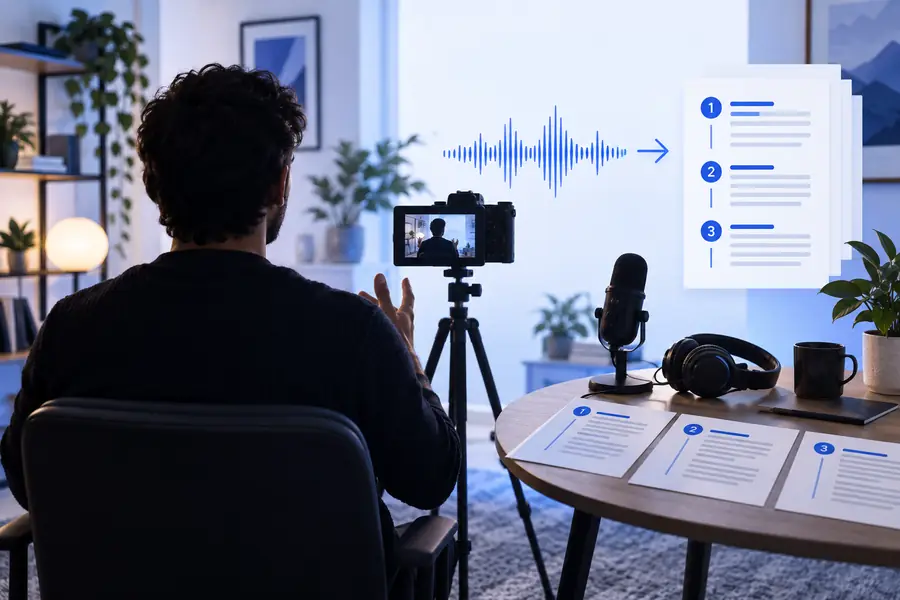
Illustration associated with a YouTube transcription workflow Video as the source
Illustration associated with converting video speech to text Text for review
Example note format: 04:12 — Speaker introduces the main claim. 06:38 — [Term unclear; replay audio]. Timestamps and wording are illustrative, not a transcript of the pictured video.

Respect the source before sharing

Make a transcript you can check

Transcription does not grant permission to redistribute a creator's words or upload someone else's recording. Check the video's permissions and applicable rules before processing or sharing it. For published work, attribute the source, verify quotations against playback, and distinguish your own summary from the speaker's exact words.

Start transcribing
  • Use captions or recordings you are allowed to process
  • Replay passages that matter
  • Keep attribution with shared excerpts

YouTube transcription FAQ

Not necessarily. Available captions vary by video, and a transcription tool may require an audio or video file rather than accepting a URL. Use a source you can access and are permitted to process.

Both represent spoken content as text, but they may be generated from different sources and formatted differently. Compare either version with the video before relying on a quote, name, or timestamp.

Available caption transcripts may include timing, while a fresh transcription may offer timestamped output. Timing can drift, so check the video at any point you plan to cite.

You may be able to transcribe audio from a recording you own or have permission to use, provided the tool supports that input. If you cannot access or process the audio lawfully, a URL by itself is not a substitute.

A transcript can reproduce a creator's original expression, so generating one does not automatically give you redistribution rights. Check permission and applicable law before publishing substantial text; for ordinary notes, cite the video and verify any short quotations.

Start studying
Start studying