Video editor
Locate a sentence in an interview before cutting a short clip.
Search the text to find a likely passage, then return to the footage for the exact cut.
transcript ai examples freeVideo transcription
A transcript makes a video's spoken words easier to search, quote, caption, and edit. Start with clear audio, then review names, numbers, and any words the recording makes hard to hear.
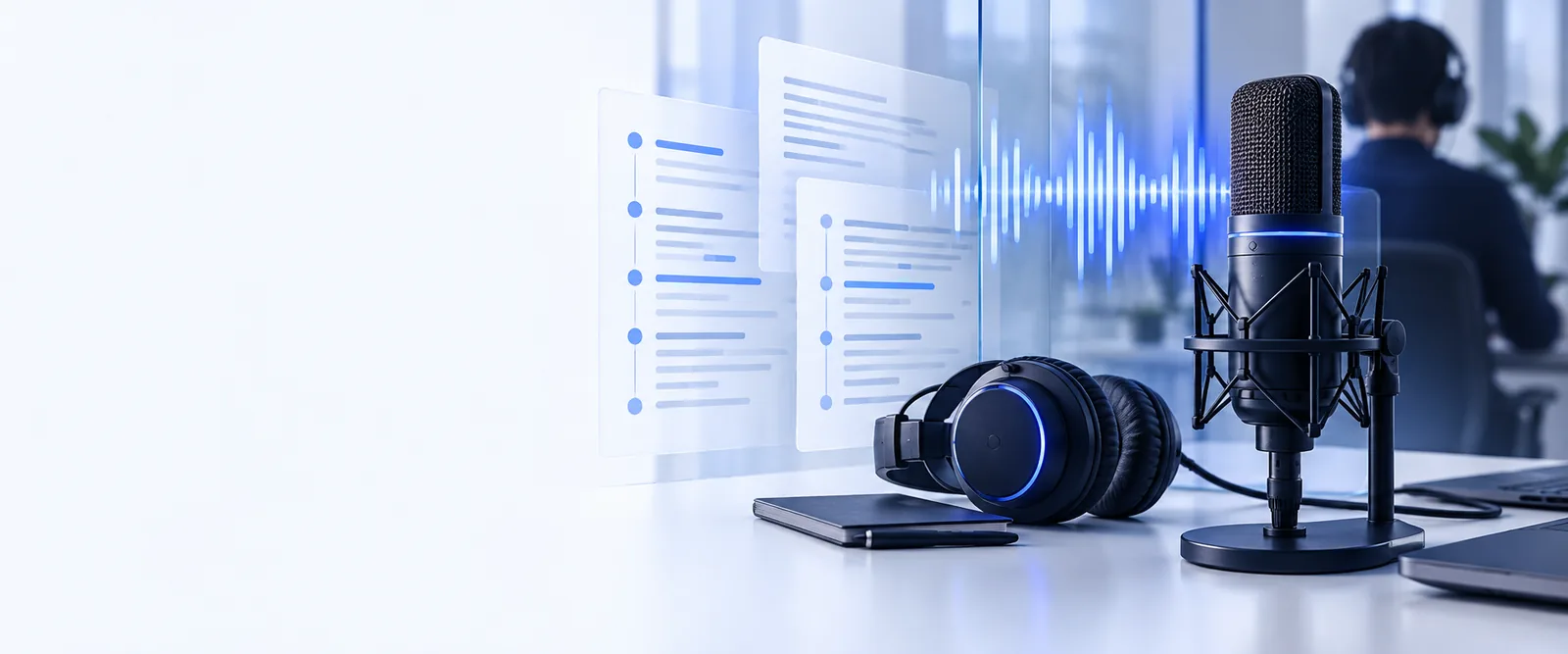
Video preserves the scene and voices; a transcript isolates the spoken content. Neither replaces the other when visuals or tone carry part of the meaning.
Spoken words
Video source
Heard during playback
Text transcript
Readable as sentences
Finding a topic
Video source
Requires scrubbing or replaying
Text transcript
Can be found with text search
Quoting
Video source
Requires listening and typing
Text transcript
Can be copied after accuracy checks
Speaker identity
Video source
Voices and faces provide context
Text transcript
Speaker labels may need manual correction
Visual information
Video source
Shows gestures, slides, and demonstrations
Text transcript
Not captured unless separately described
Unclear audio
Video source
Can be replayed for context
Text transcript
May appear as an incorrect or missing word
Editing
Video source
Changes usually require video editing
Text transcript
Wording and formatting can be revised directly
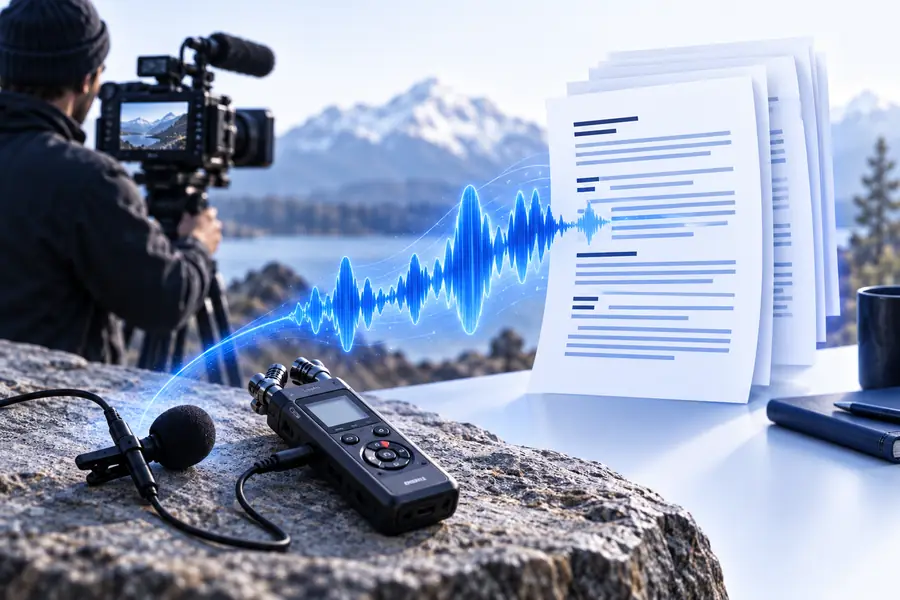
A transcript lets you scan speech without replaying the whole recording. Keep the video nearby: the written version can lose tone, overlap, and on-screen context.
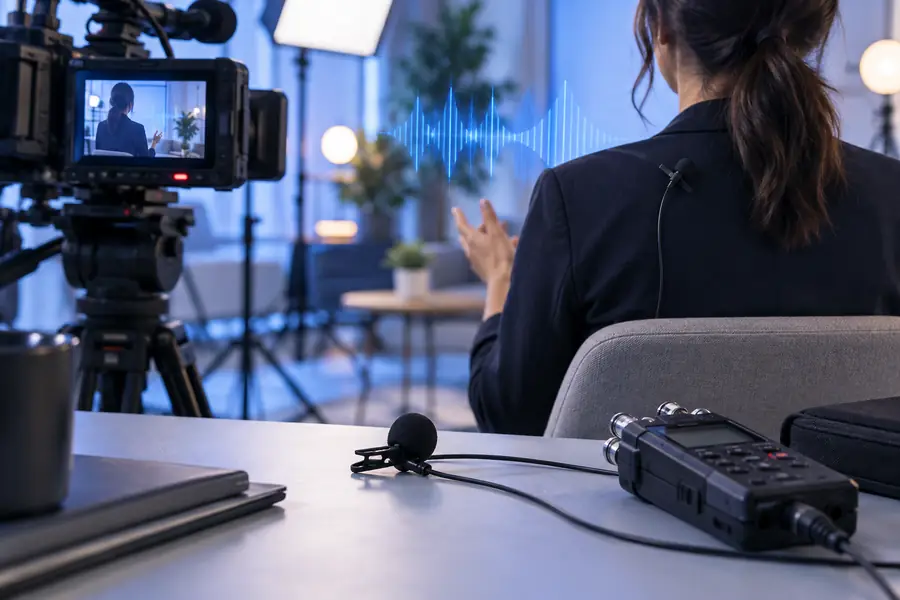
 Video source
Text version
Video source
Text version
Illustrative comparison. Confirm every important quote against the recording.
Video sourceText versionThe useful output depends on what you plan to do with the words. Choose a transcript style before you begin, then make a focused review pass.
Locate a sentence in an interview before cutting a short clip.
Search the text to find a likely passage, then return to the footage for the exact cut.
transcript ai examples freeTurn a recorded lesson into notes without losing the instructor's wording.
Use the transcript as a draft and check technical terms against the audio.
free transcript ai tutorialPrepare spoken material for captions or a video description.
Correct names and timing before reusing the text publicly.
transcript ai youtubeReview a recorded conversation for themes and quotable answers.
Keep speaker turns clear and verify quotations in the original recording.
what is transcript AIFor a closer look at access, channel-specific material, or a guided first attempt, continue with the route that matches your source.
Treat conversion as a draft-and-review process rather than a substitute for listening.
Choose a video with audible speech. If several people talk at once or music covers a voice, note those stretches for closer review.
Specify whether you want verbatim speech, readable punctuation, speaker labels, or timestamps. Check that your video input is supported before proceeding.
Replay names, figures, technical vocabulary, and uncertain passages. Restore any visual context the transcript needs before you quote or publish it.
Bring your video and a clear instruction for the output. Once you have text, compare important passages with the recording before using them in captions, notes, or quotations.
Transcribe my videoIt captures spoken words as written text. It does not automatically explain gestures, slides, or other visual details, so add those separately when they matter.
A transcript can include speaker labels, but overlapping voices and similar-sounding speakers can cause mistakes. Review each change of speaker against the video before relying on the labels.
Timestamps help you return to a passage in the source video. Ask for them when you plan to edit clips or verify quotes, and check their placement before using them for captions.
Background noise, accents, specialist terms, and competing voices can make speech difficult to interpret. Replay uncertain sections and correct the text rather than treating the first output as final.
Review the words first, then check timing and line breaks in the caption format you intend to use. A readable transcript and synchronized captions are related outputs, but they are not the same finished file.