Any language, any format
From quick voice memos to three-hour seminars, transcript AI adapts to accents, jargon and topic.





Trusted by 100k+ students and creators
Transcript AI turns lectures, meetings and videos into clean, searchable text, complete with speaker labels, timestamps and smart summaries.
trusted on
10M+
minutes captured
covering
50+
languages
up to
5x
faster review

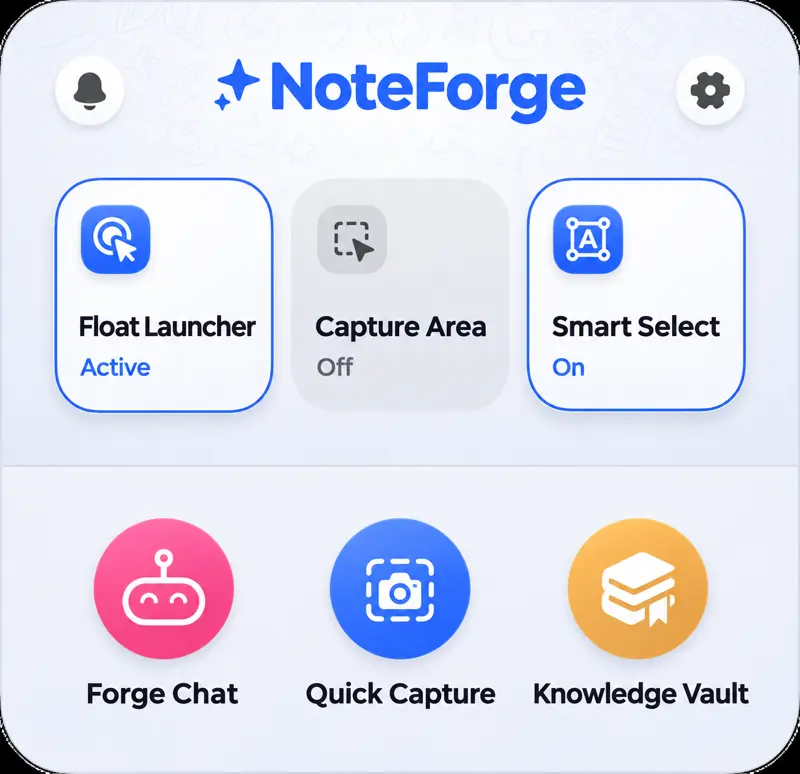
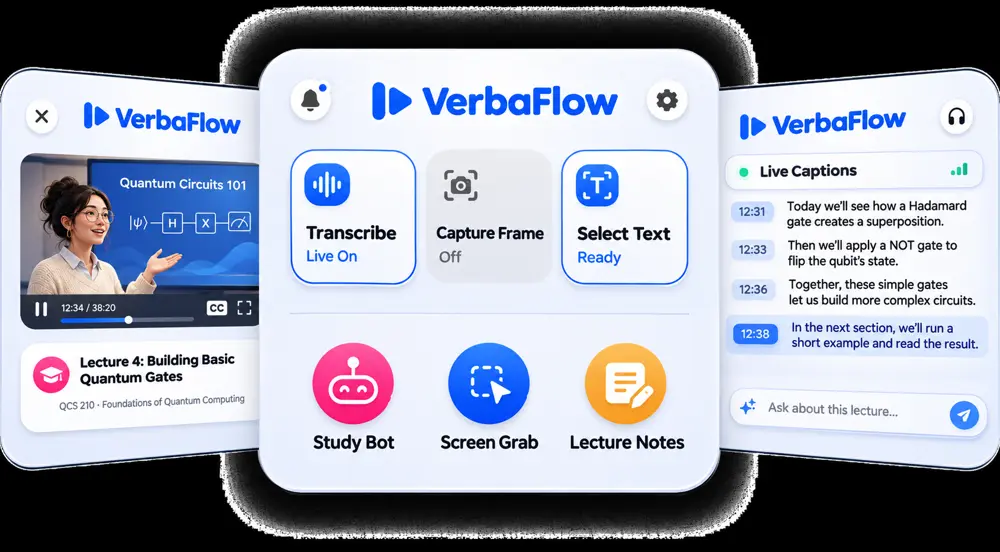
Stop pausing, rewinding and typing along. Our transcript AI listens to any tab, whether it is a class stream, a client call or a webinar, and writes everything down while you stay present.
From quick voice memos to three-hour seminars, transcript AI adapts to accents, jargon and topic.
Pin a floating button, snap a region or highlight a clip, then start transcribing wherever you are online.
Transcript AI labels every voice and splits long talks into tidy paragraphs you can skim.
Transcript AI ties each line to the second it was spoken, so checking a quote takes one click.
In a lecture hall, a busy café or on the morning train, the Transcript AI app records, transcribes and keeps every file synced to your laptop.
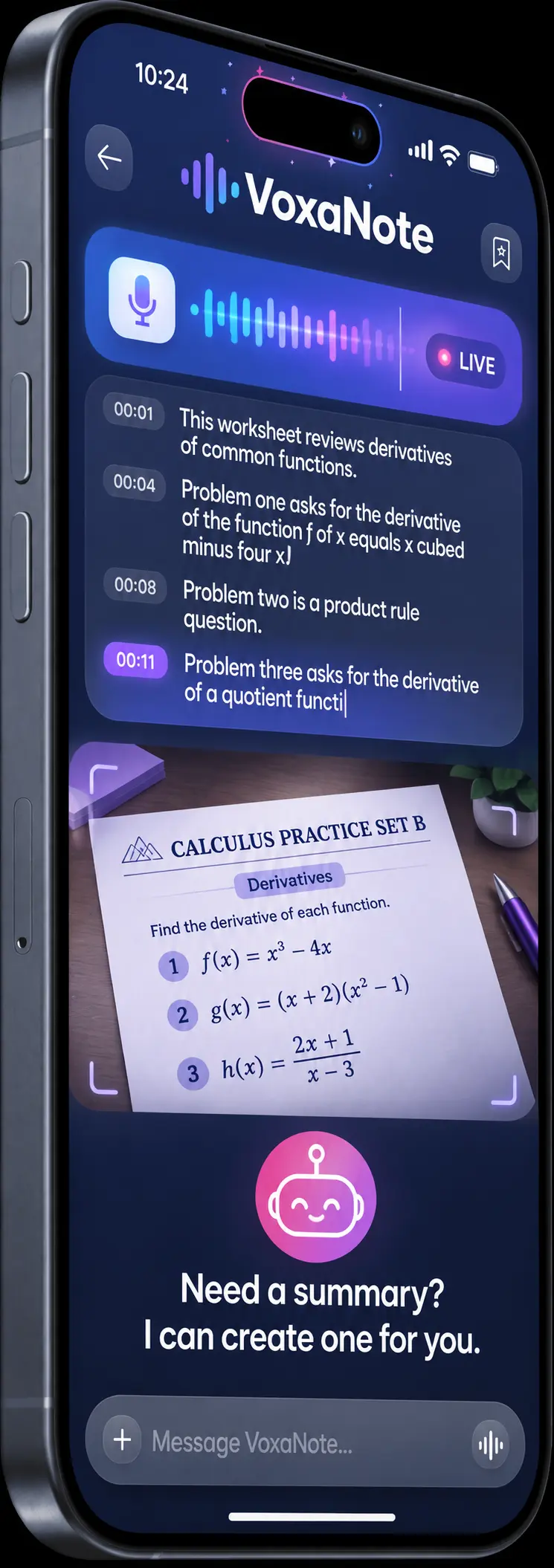
Record and transcribe: Tap once and watch your words appear as people speak.
Library: Browse, tag and search everything you have recorded.
Ask AI: Chat with transcript AI to pull out summaries, action items and answers.
Sync: Move recordings between phone and computer without cables.
Keep notes, condense long sessions and let transcript AI turn any lecture into flashcards and practice quizzes you can actually use.
Explore itPhotosynthesis Basics
Question 1/20
What does chlorophyll mainly do for a plant?
You get live transcription, speaker labels, timestamps, summaries and a workspace that turns recordings into quizzes and flashcards. Transcript AI keeps every file organised, so you can search a whole semester or a month of meetings in one place.
It runs in Chrome and other Chromium-based browsers such as Edge, Brave and Arc. Once pinned, transcript AI can capture audio from any open tab, from a recorded lecture to a live video call.
Yes. The mobile app records in person and syncs with your computer, so a talk captured on your phone shows up on your laptop moments later, ready to edit, share or study.
Lectures, interviews, podcasts, meetings, voice memos and online videos all work well. Transcript AI copes with background noise and several speakers, and you can fix any word inline before exporting to text or subtitles.
Absolutely. Share it with classmates or colleagues; many study groups use transcript AI as a shared memory for calls and classes, and passing a transcript link along takes a single click.